


MacBook Pro Privacy Screen Filter 13–16″ — Magnetic, Reversible | Eplugit
$60.00
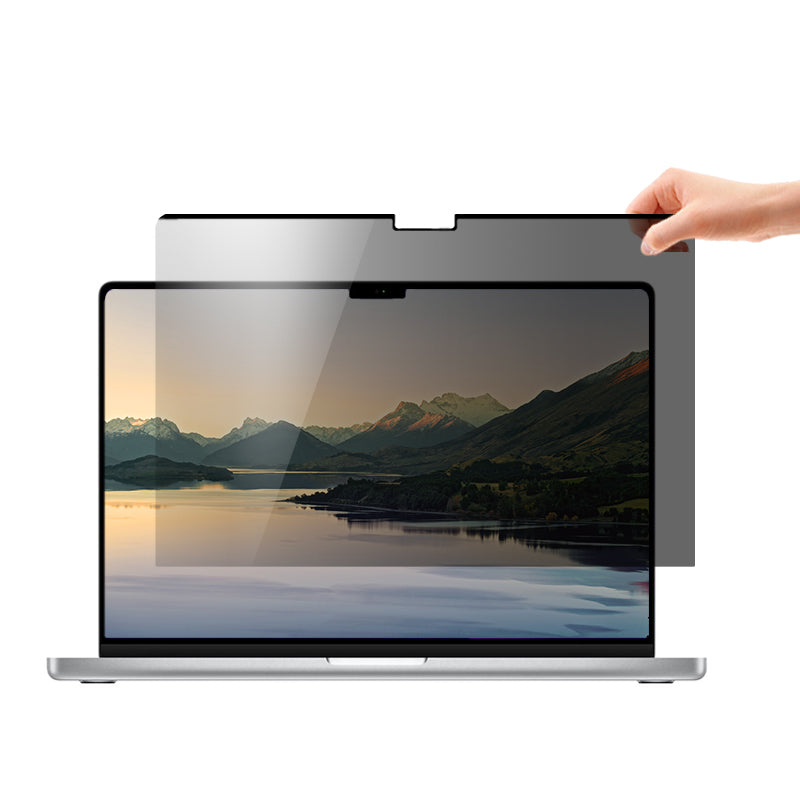
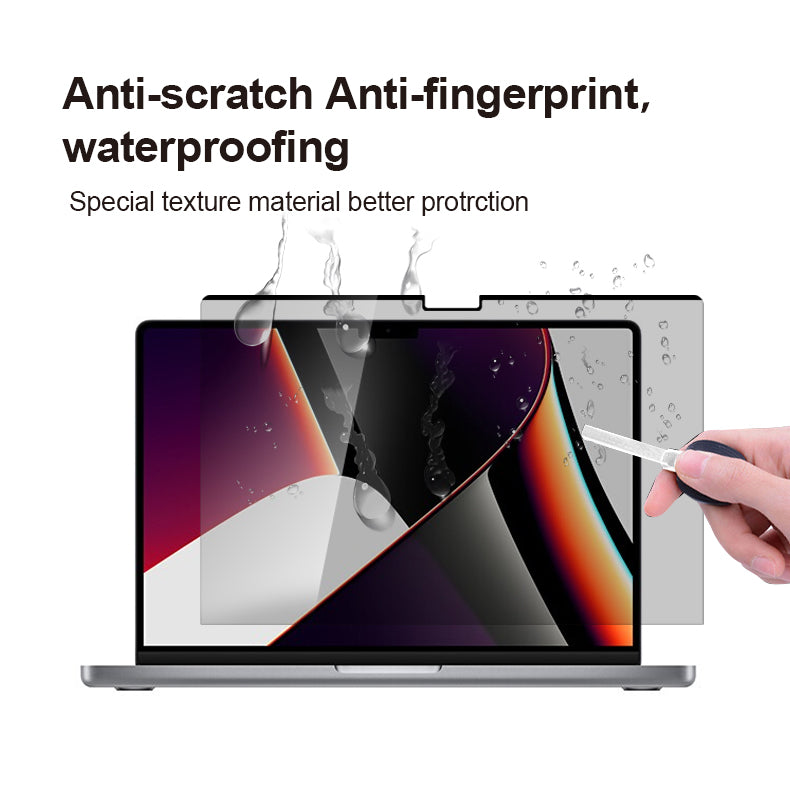
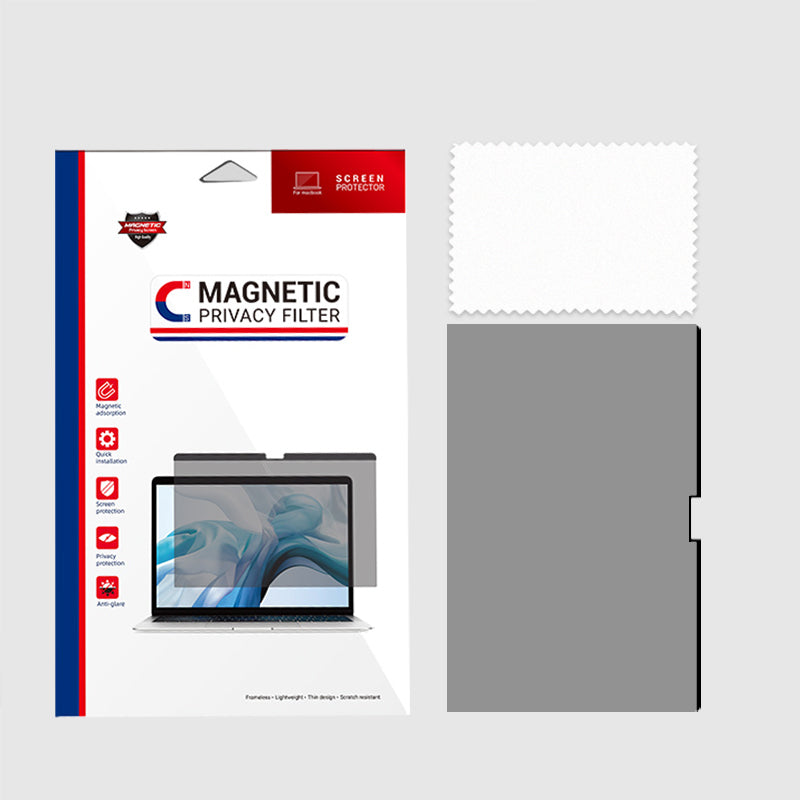
A magnetic privacy filter for 13″, 14″, 15″ and 16″ MacBook Pro. Micro-louvres blacken the screen to anyone viewing beyond 60 degrees, so the person in seat 14C sees nothing. Reversible glossy or matte surface, blue light and UV filtering, and it lifts off in seconds. Australian stock, delivered in 2–5 business days.
Client names, medical records and salary figures should not be readable from the next seat
If you work in finance, law, health or government, the risk is not hackers on a Tuesday afternoon at the airport lounge. It is the person seated beside you on the flight to Melbourne, the queue behind you in the café, or the contractor walking past your desk while a client file is open. Nothing is breached and nothing is logged — the information simply leaves the room in someone’s head.
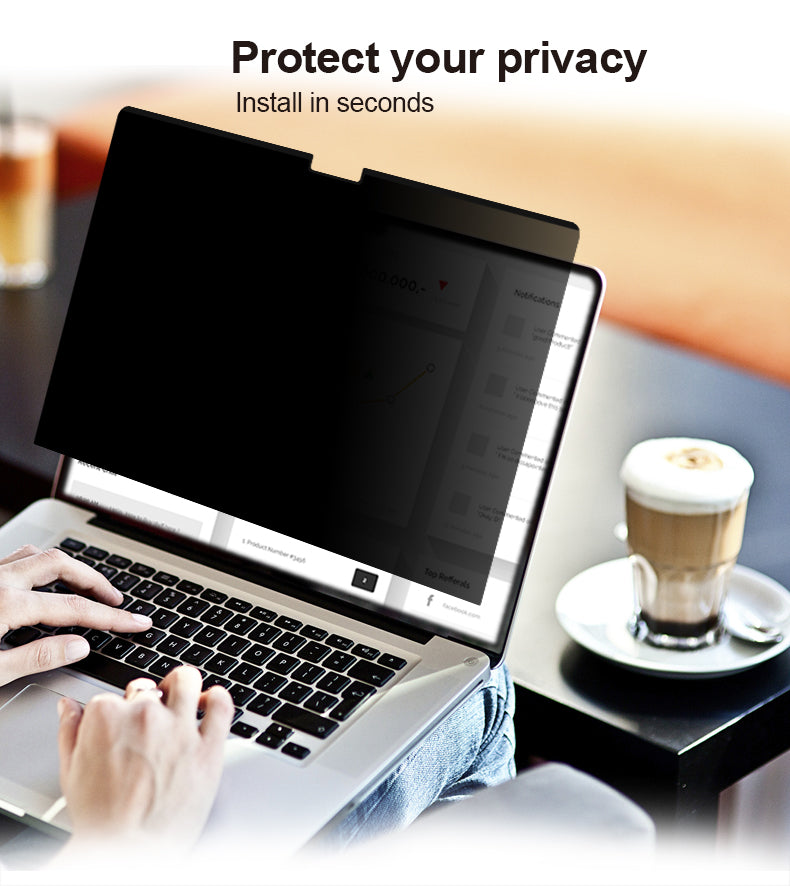
A privacy filter is the cheapest control you can put against that risk. This one fits over the display of a MacBook Pro and uses micro-louvres — microscopic vertical blinds inside the filter — so the screen stays clear and readable directly in front of you and goes dark to anyone viewing from beyond 60 degrees.
What it works with
Made for the MacBook Pro in 13″, 14″, 15″ and 16″ sizes. Choose your size from the dropdown before adding to cart — measure the screen diagonally, or check “About This Mac”, rather than guessing.
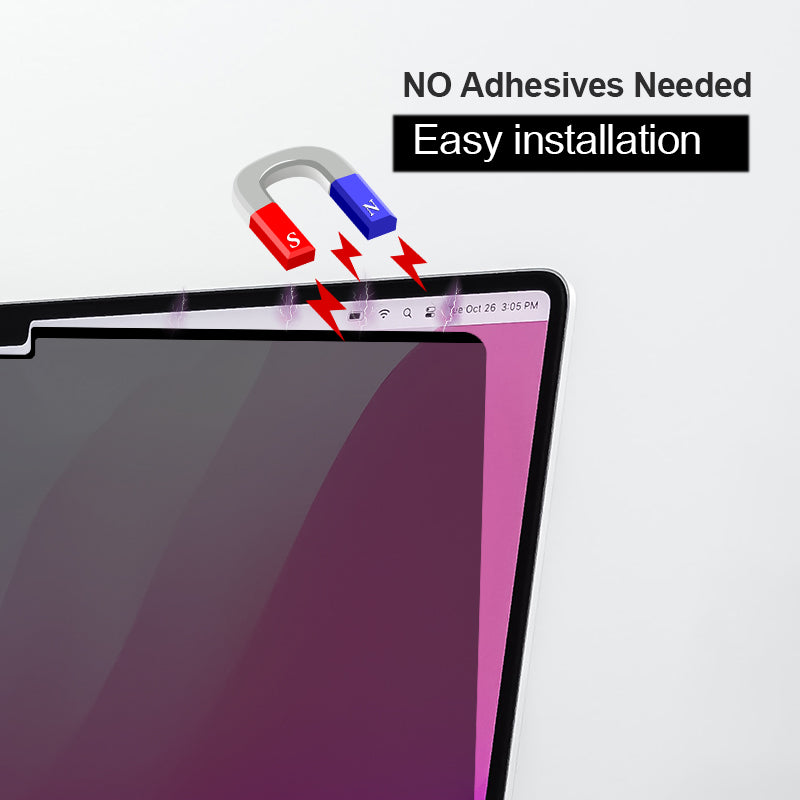
- Magnetic attachment — it sits on with magnets rather than adhesive strips or clip-on tabs. Take it off for a presentation or a shared review, put it back on in seconds, and close the lid with it in place.
- Reversible glossy or matte — one filter, two finishes. Run glossy for colour work and contrast, or flip to matte to cut reflections under office lighting and in bright outdoor light.
- Blue light and UV filtering — useful if your working day is long and largely spent on this screen.
- Touch compatible — the filter is designed to work with touch input where the device supports it.
The honest limitations
Privacy filters are a physical control, not a magic one. Someone standing directly behind you can still read the screen — the protection is to the sides, not over your shoulder. Both finishes also cut a little brightness, which is how the technology works; most people compensate by raising screen brightness one or two steps. And it is size-specific: a 14″ filter will not sit correctly on a 16″ machine.
Why buy from an Australian seller
If you are buying this to meet an internal privacy obligation, you probably need it before your next site visit or court date — not in three weeks, which is the realistic wait on an overseas listing. This ships from Australian stock and generally arrives in 2 to 5 business days.
For organisations, the paperwork matters as much as the product. You get a proper Australian tax invoice showing GST for the expense claim or asset register, a 12-month Australian warranty behind the goods, a 30-day money-back guarantee, and local support if a filter arrives damaged. Rolling filters out to a team of twenty is one order, one invoice and one Australian point of contact — not twenty overseas parcels arriving over a month.
Specifications
| Compatible sizes | 13″, 14″, 15″, 16″ MacBook Pro (select at checkout) |
|---|---|
| Privacy angle | Micro-louvre blocks viewing beyond 60 degrees |
| Surface | Reversible — glossy one side, matte the other |
| Attachment | Magnetic |
| Filtering | Blue light and UV |
| Touch input | Touchscreen compatible |
| SKU | 8834870313208 |
| Brand | Eplugit |
Frequently asked questions
Which size do I need?
Choose the size that matches your MacBook Pro screen — 13″, 14″, 15″ or 16″. Measure the display diagonally, corner to corner, or check the model details under “About This Mac”. The filter is cut to size, so a 14″ filter will not fit a 16″ machine.
Can people still see my screen from behind me?
A privacy filter narrows the viewing angle to the sides. Anyone beyond roughly 60 degrees sees a darkened screen. Someone standing directly behind you, looking straight at the display, can still read it — position yourself accordingly in open-plan areas.
Does it leave residue or damage the screen?
It attaches magnetically rather than with adhesive, so it lifts off cleanly and can be removed and refitted as often as you like — for example, taking it off for a client presentation and putting it back on afterwards.
Should I use the glossy or the matte side?
The filter is reversible, so you can try both. Glossy gives more contrast and colour punch; matte reduces glare and reflections under overhead office lighting or outdoors. Most people who work in bright environments settle on matte.
Can we buy these for a whole team?
Yes. We hold stock in Australia — order before 2pm on a business day and it ships the same day, arriving in 2 to 5 business days — and we supply a proper Australian tax invoice showing GST, which is generally what a finance or compliance team needs for a privacy-related purchase.


Our Store

Eplugit is a trusted provider of high‑performance cables, hubs and accessories, delivering reliable connectivity solutions for homes and businesses across India and Australia.
-
Australian dollar ($) - AUD
-
United States dollar ($) - USD
Quick links

Reviews
There are no reviews yet.